The word dashboard is a leftover from horse-drawn carriages, where a board kept mud off the driver. Today the same space holds more computing power than the guidance system of an early spacecraft.
Each generation of dashboard technology solved a specific problem, and each brought new distractions. That tension between information and attention is the thread running through the whole story.
Key facts
- Early dashboards were wooden boards; gauges came later and were often optional.
- Mechanical and vacuum gauges gave way to electrical senders in the mid twentieth century.
- Digital clusters appeared in the 1970s and 1980s, then faded before returning.
- Touchscreens reduce physical buttons and increase the number of glances needed.
Contents
- The board that kept mud off the driver
- Mechanical and vacuum gauges
- The electrical era
- Digital clusters arrive
- Touchscreens and their problems
- Head-up displays and driver monitoring
- What to look for in a modern cabin
The board that kept mud off the driver
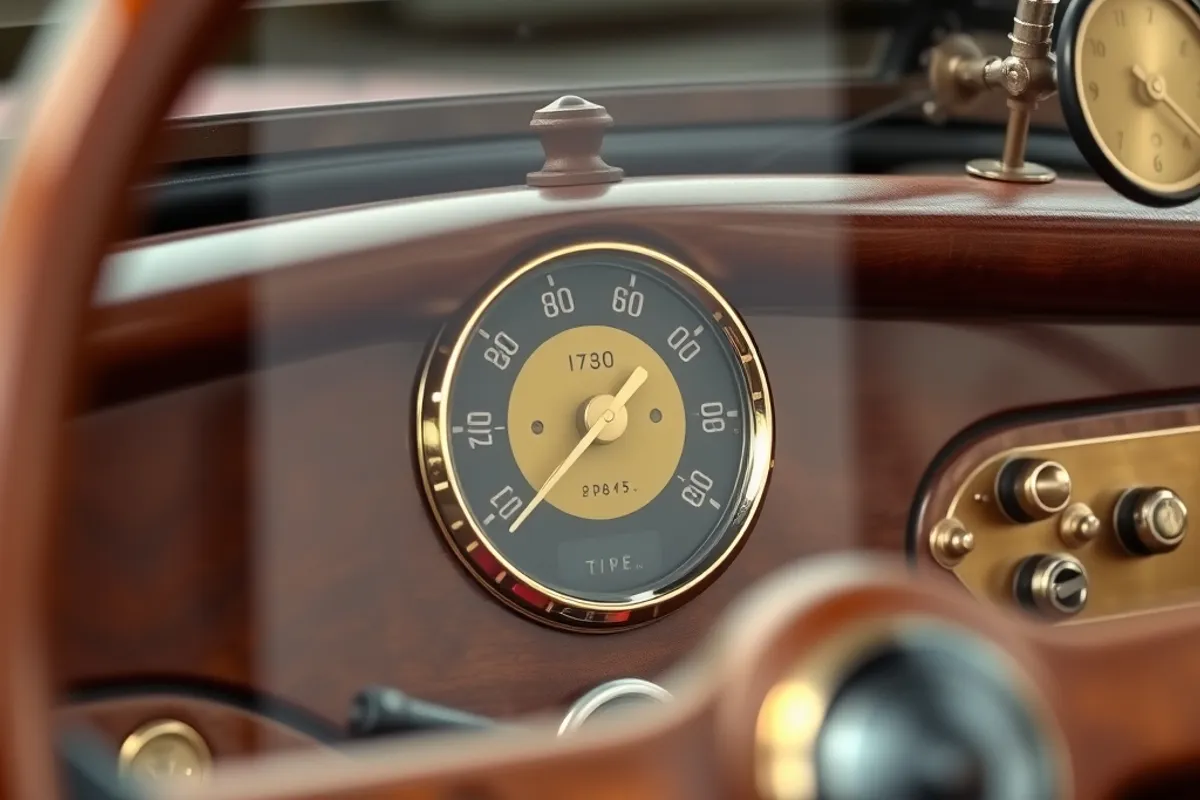
The original dashboard was a simple shield. As cars gained engines, the same panel became a convenient place to mount a fuel gauge, an oil pressure gauge and a speedometer.
Early instruments were often optional extras, sold to buyers who wanted to know what the machinery was doing. That assumption, that information is a feature rather than a right, lasted for decades.
Mechanical and vacuum gauges
Mechanical gauges used a cable or a pressure line to move a needle directly. They were simple, robust and limited by how far a mechanical signal could travel.
Vacuum-driven fuel economy gauges became a small fad during fuel crises. They were honest instruments that told drivers something useful, and they disappeared when fuel injection made the reading less meaningful.
The electrical era
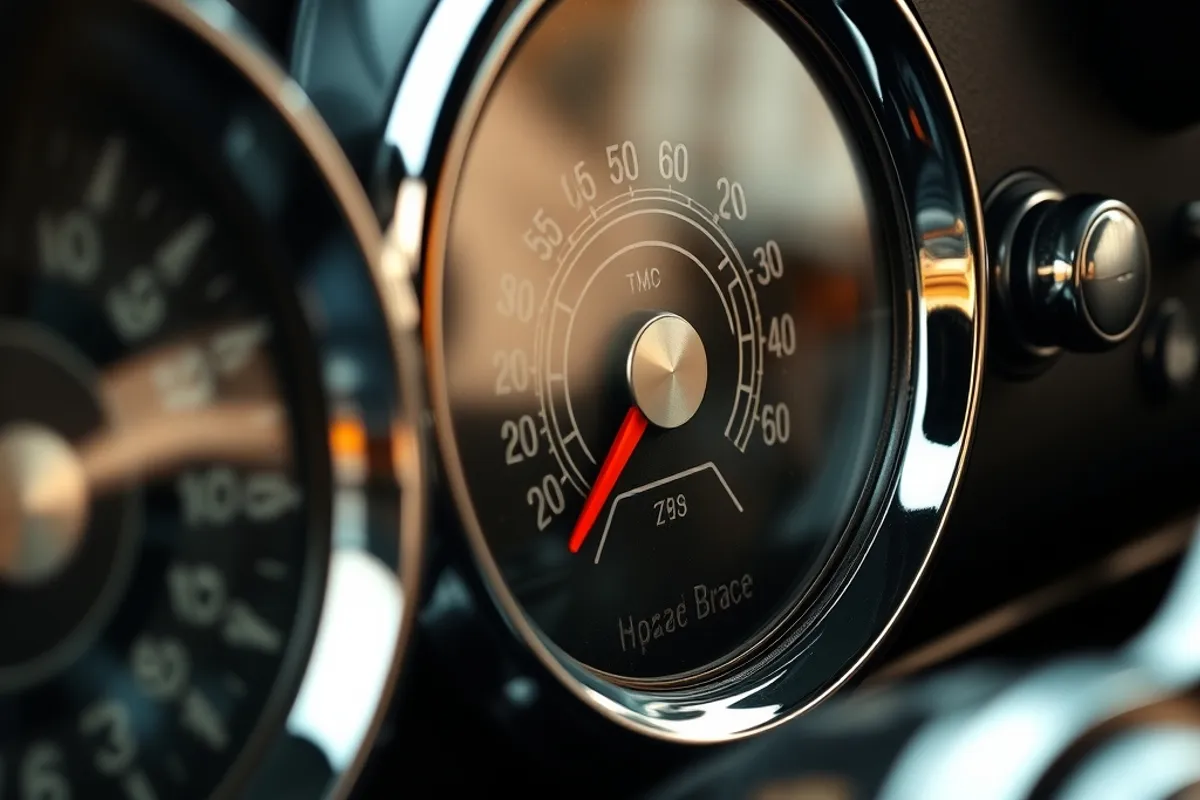
Electrical senders and warning lamps replaced direct mechanical links. This allowed a single cluster to serve several engine options and made warning lights cheap enough to standardise.
It also moved the design language from individual gauges to a connected panel. Warning symbols, which had to be learned, began to replace numbers entirely.
Digital clusters arrive
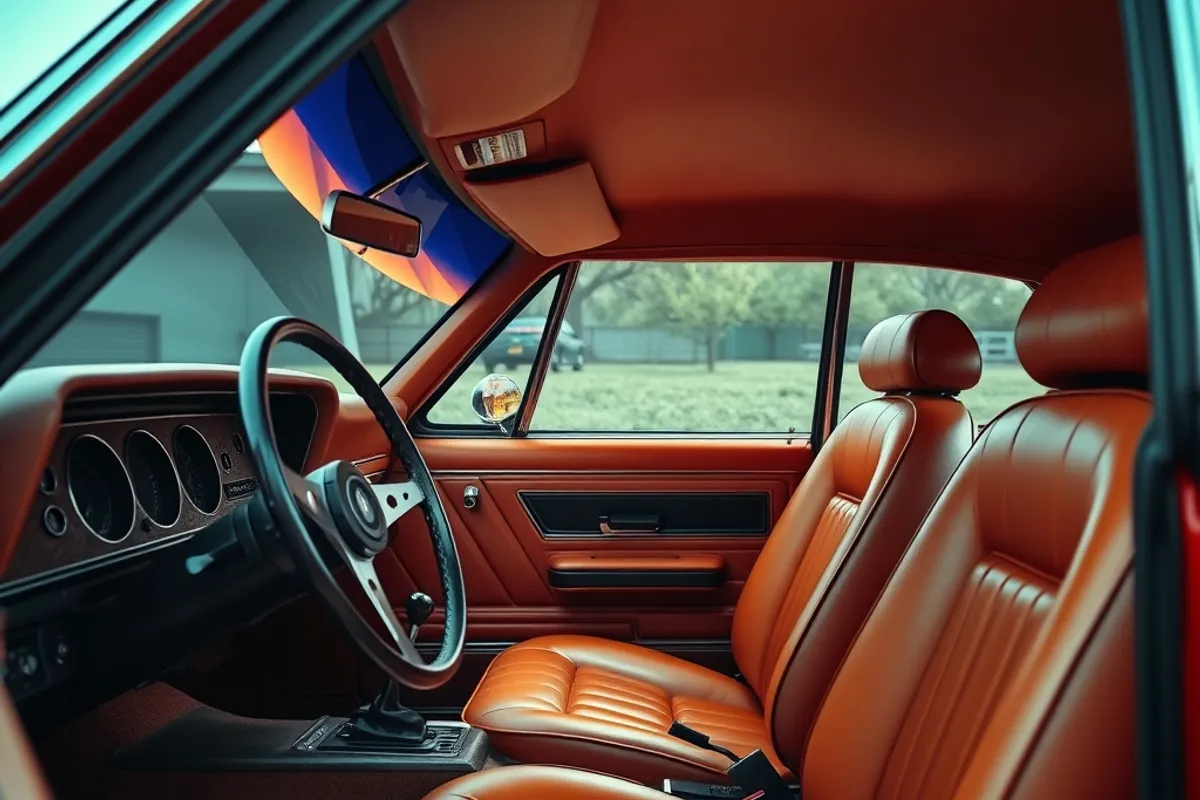
Digital displays appeared in the 1970s and 1980s, usually as a premium option. Early versions suffered from poor contrast and slow refresh rates, and many buyers missed the physical needle.
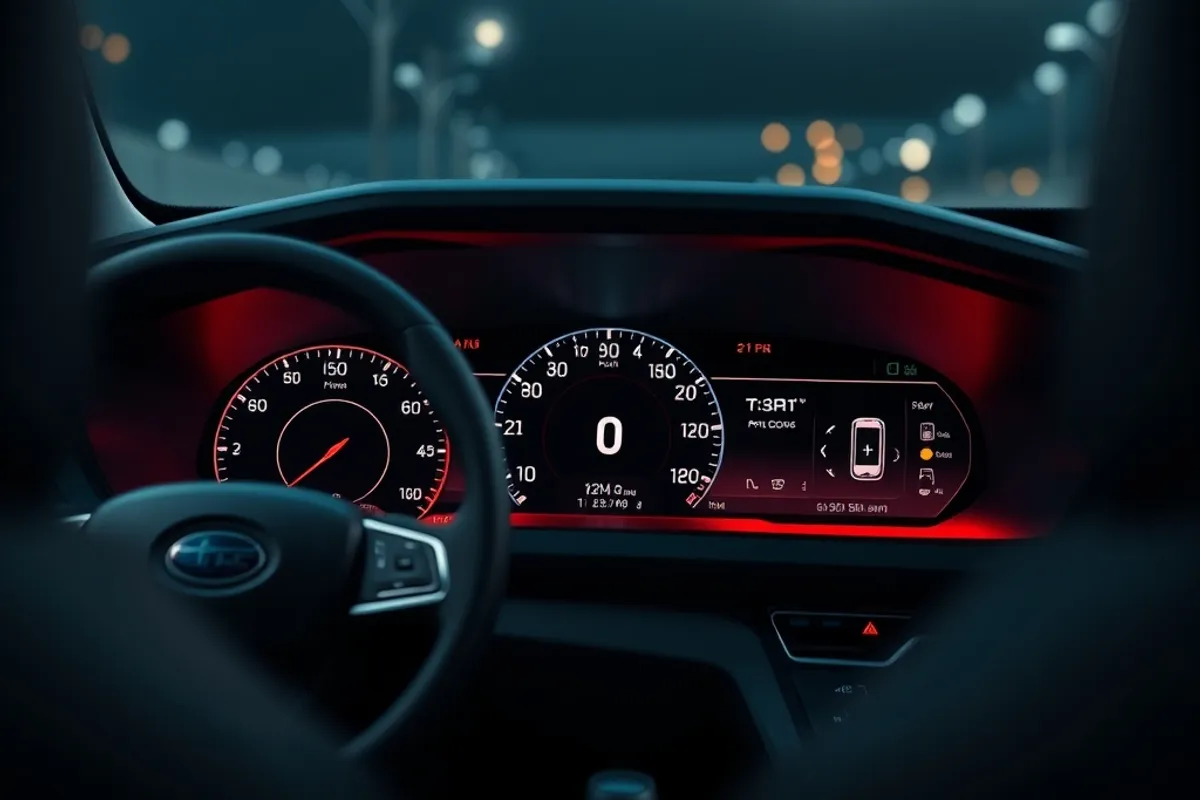
Improved displays returned in the 2000s and are now standard on most new cars. Their advantage is flexibility: the same screen can show navigation, efficiency data or a tachometer, depending on the driving mode.
Every dashboard redesign is an argument about how much the driver should be told, and how often.
Touchscreens and their problems
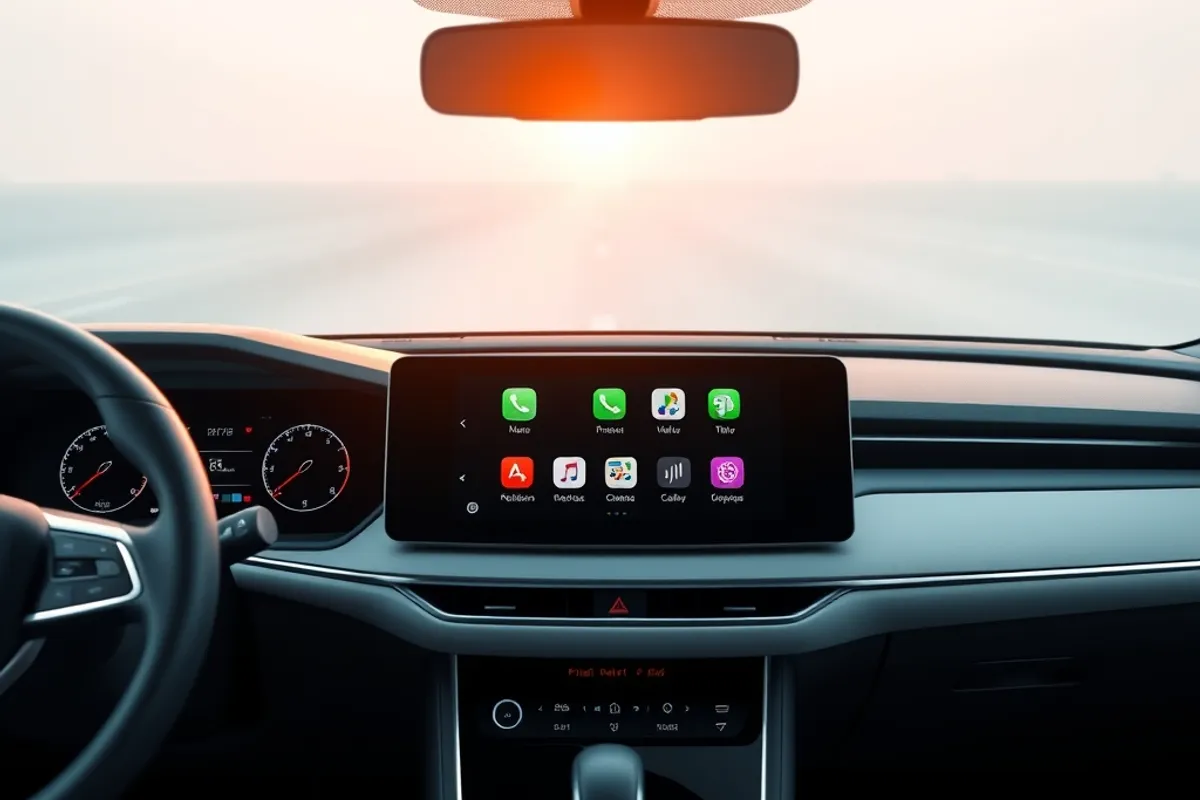
Touchscreens cut cost and packaging complexity. One screen can replace a bank of switches, and its functions can be updated over time without changing hardware.
The cost is attention. Adjusting climate control through a menu takes longer than turning a knob, and the effect shows up in glance-time studies. The safest designs keep core functions on physical controls.
Head-up displays and driver monitoring
Head-up displays project speed and navigation into the driver's line of sight, so the eyes travel less. They work best with a small amount of well-chosen information.
Driver monitoring systems use cameras and steering data to detect inattention. They are becoming mandatory in some markets, and they change the dashboard from a display into a sensor.
What to look for in a modern cabin
Check whether common adjustments, especially climate and volume, have physical controls. Look at the screen in bright daylight and at night, and test how quickly the system responds after start-up.
Ask what happens when the screen fails, and whether essential gauges still work. For the display side of the same question, read our head-up display guide, and see the NHTSA guidance on distracted driving.