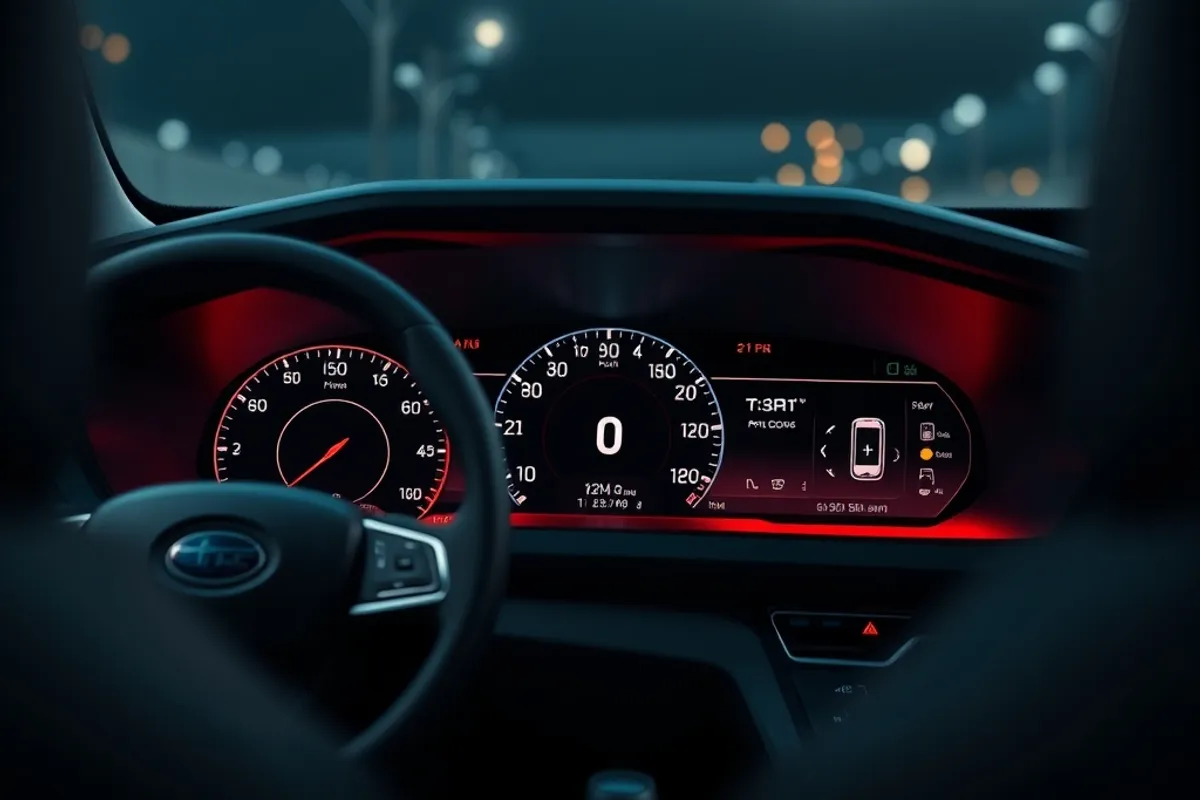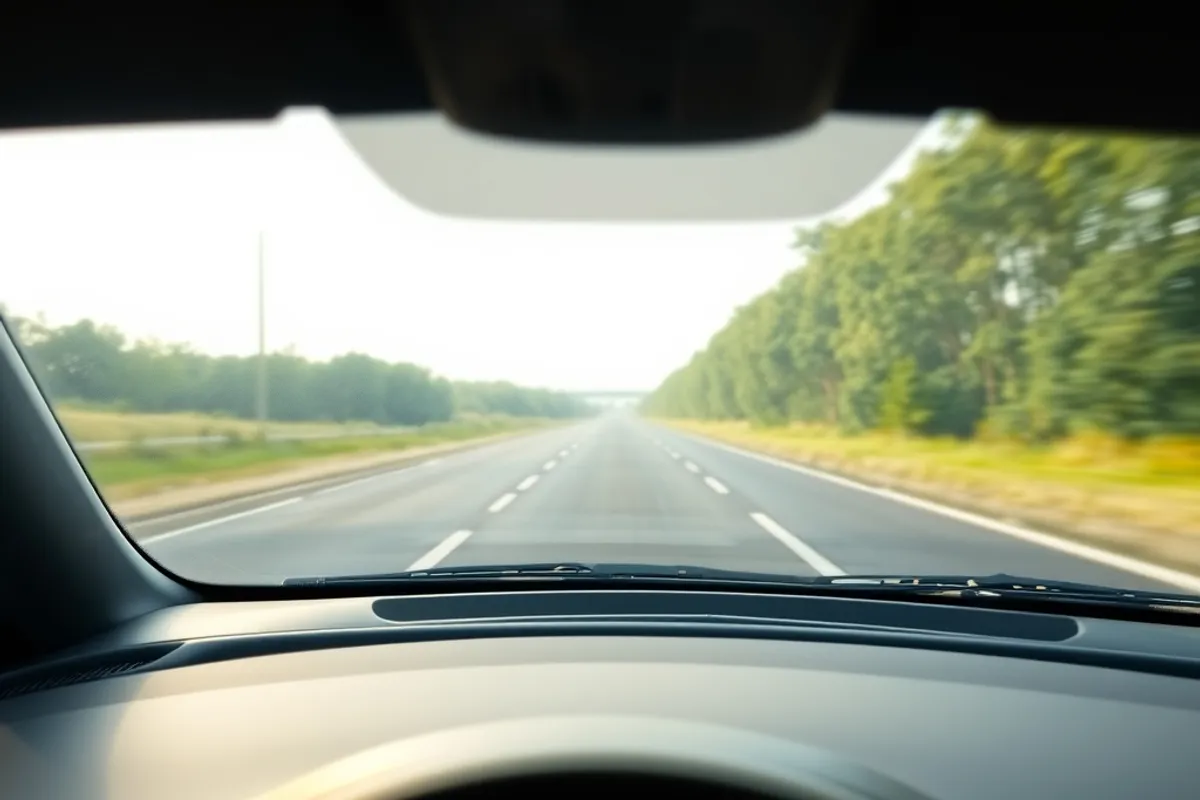
Head-up displays moved from fighter jets to premium cars and are now appearing in mid-range models. The promise is simple: keep your speed and directions in view without looking down.
Whether that is worth paying for depends on the type of display, the quality of the optics and the kind of driving you actually do. Here is what to check before you tick the option box.
Key facts
- Two main types exist: a small glass combiner and a full windscreen projection.
- Windscreen systems show a larger image and sit further ahead in the driver's view.
- Polarised sunglasses can dim or distort some head-up displays.
- A HUD duplicates useful data; it does not replace the instrument cluster.
Contents
- How a HUD projects an image
- Types: combiner and windscreen
- What is worth projecting
- Night driving and glare
- HUDs versus digital clusters
- Cost and availability
- Buying checklist
How a HUD projects an image
A projector in the dashboard throws an image onto a curved mirror, which reflects it towards the driver. The optics make the image appear to float a few metres ahead of the car, roughly at the distance of the road surface.
Because the image is focused far ahead, the eyes do not have to refocus when moving between the display and the road. That is the entire safety argument, and it holds only if the image is sharp and well placed.
Types: combiner and windscreen
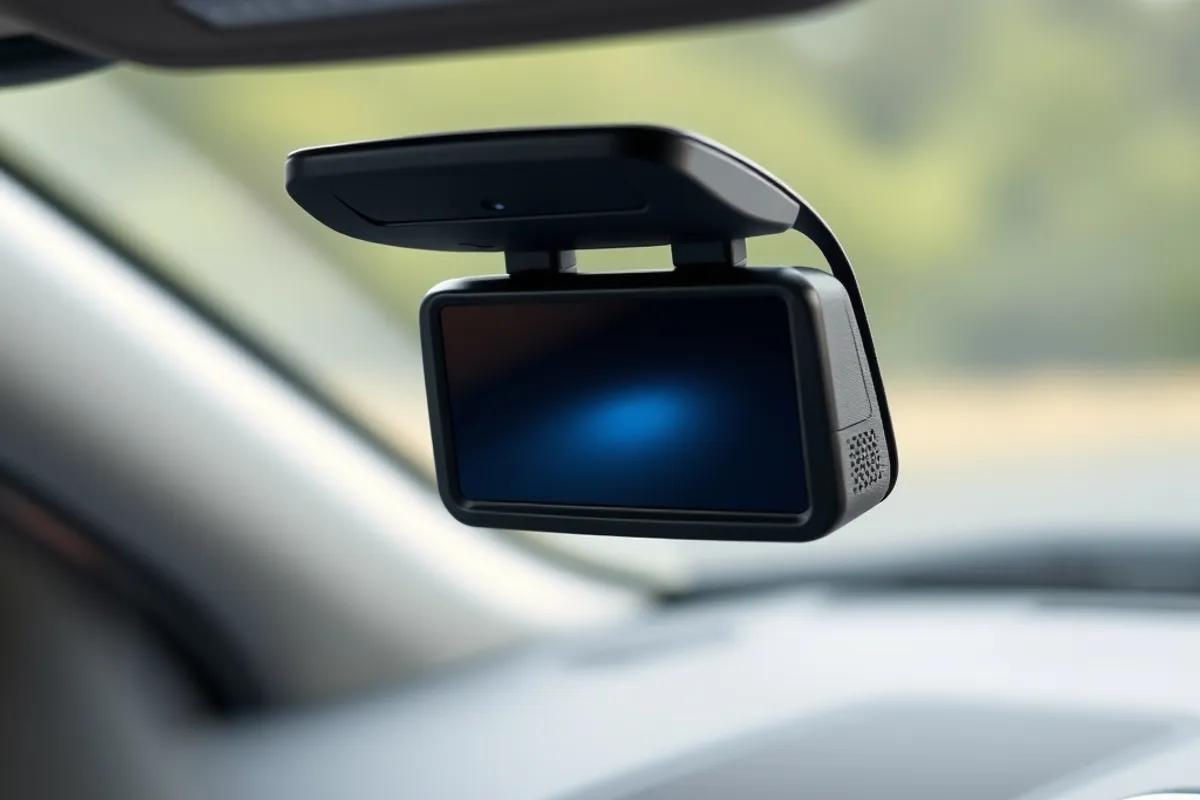
A combiner HUD uses a small transparent screen that rises from the dashboard. It is cheaper, easier to package and usually shows one or two lines of information.
A windscreen HUD projects directly onto a specially coated section of glass. The image is larger, can include navigation arrows and sits further forward, but replacement windscreens cost more and not every glass supplier gets the coating right.
What is worth projecting
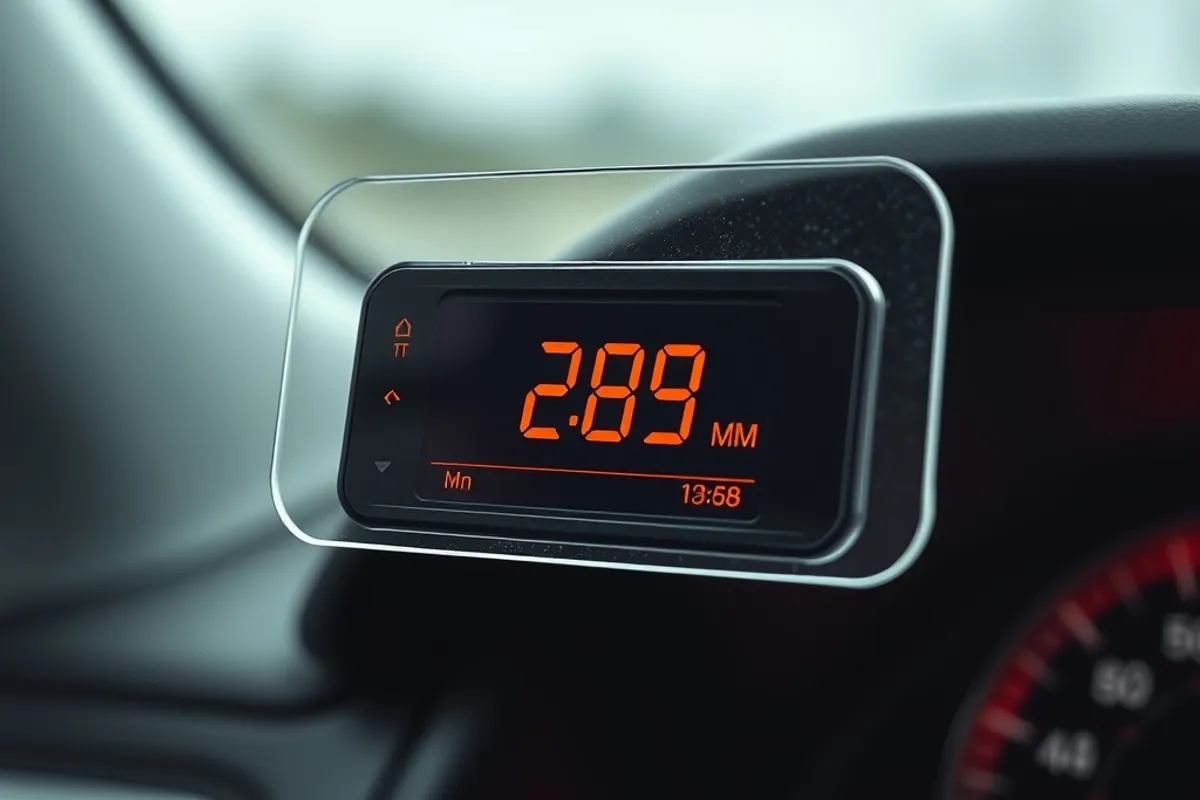
Speed, a speed limit reminder and the next navigation instruction are the three items that justify a HUD. They are consulted often and can be read at a glance.
Media information, phone contacts and detailed maps are poor choices. Each adds clutter and increases the time spent reading rather than driving.
Night driving and glare
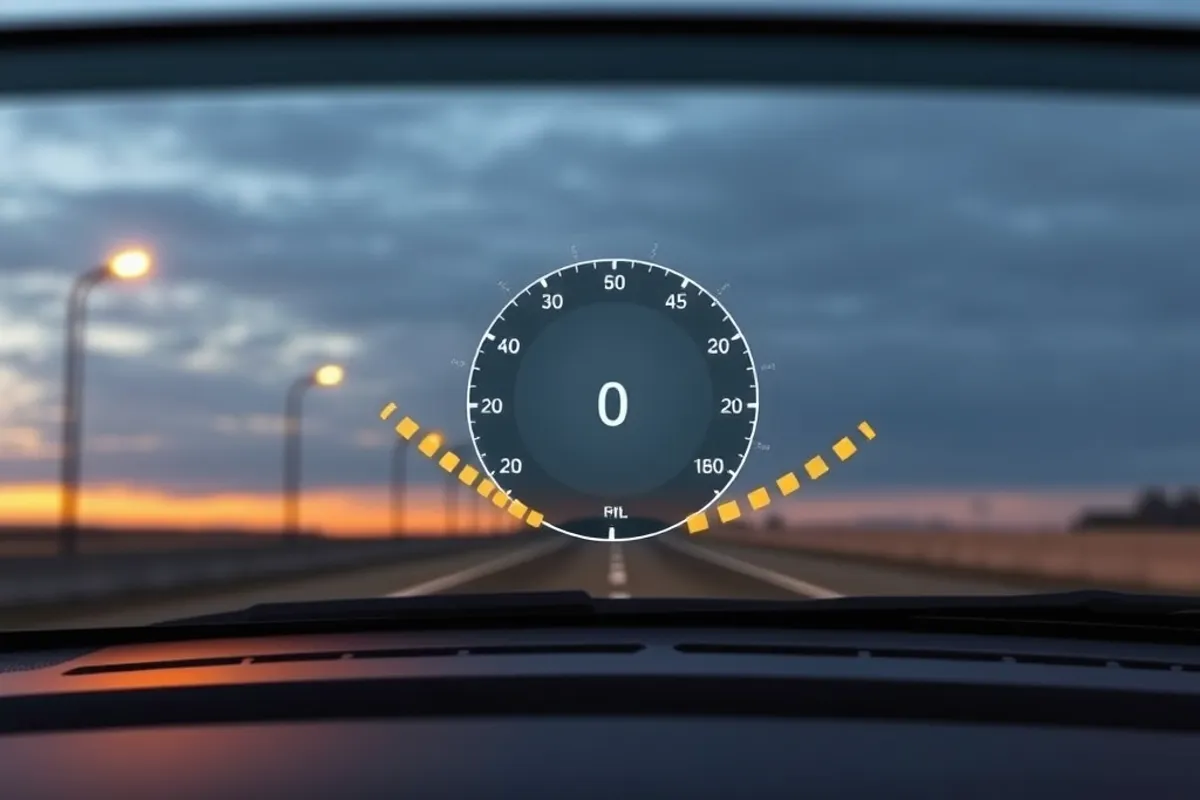
At night a HUD can be genuinely helpful, because the alternative is a bright cluster that spoils dark adaptation. A good system auto-dims with ambient light.
In daylight, a weak projector loses contrast against a bright road. Test one on a sunny day if you can. Polarised sunglasses block some projection systems entirely, which is worth checking before you buy.
A good head-up display is invisible until you need it. A bad one is a bright smear you switch off within a week.
HUDs versus digital clusters
A digital cluster can show more information in a larger space and is standard on most new cars. It still requires a downward glance, though a short one.
A HUD is a supplement, not a replacement. If your car already has a well-placed cluster and a simple layout, the marginal benefit is smaller than the marketing suggests.
Cost and availability
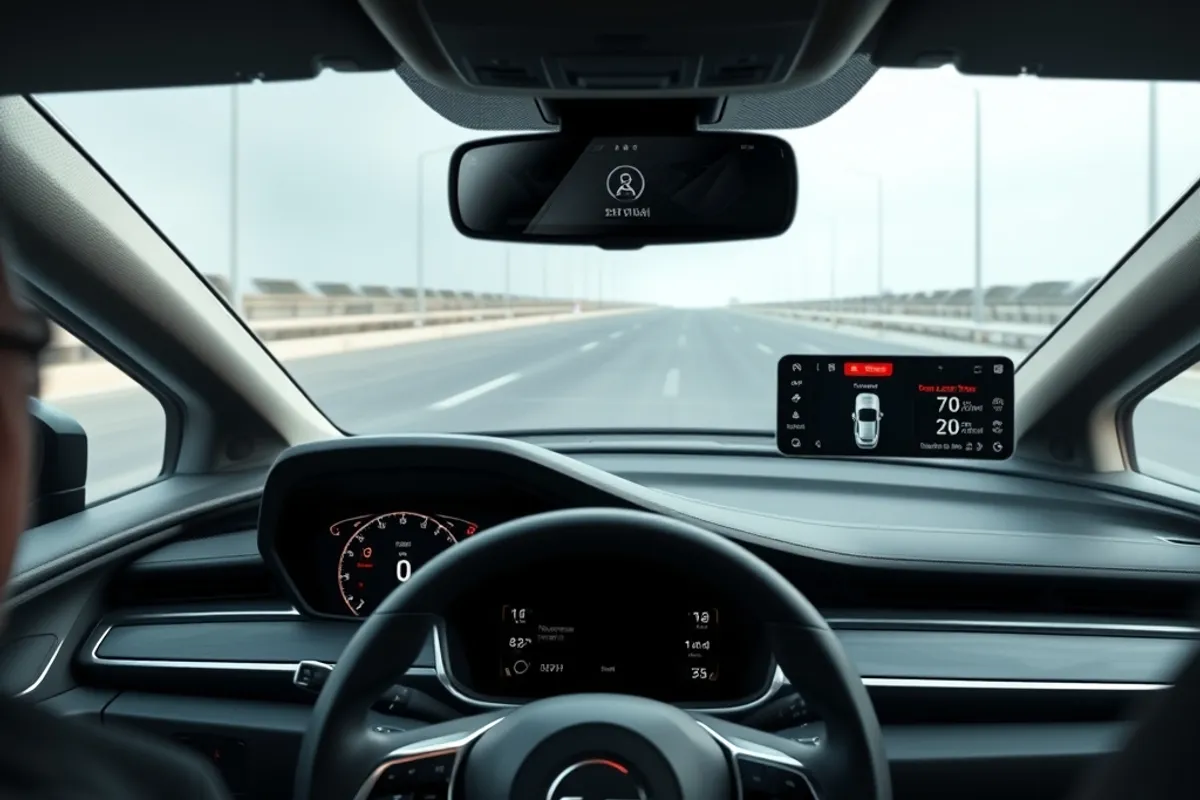
As a standalone option a HUD is usually expensive; bundled in a technology pack it can be better value. Availability varies widely by market and trim level.
Aftermarket units that sit on the dashboard are cheaper but rarely match factory optics. They tend to reflect onto a small film patch, and the image quality shows it.
Buying checklist
Sit in the car and adjust the seat before judging the display. Check sharpness, brightness range, and whether the image sits comfortably below your line of sight rather than in it.
Confirm the windscreen type if the car uses a projection HUD, and ask about replacement cost. For context on how displays reached this point, see our dashboard technology history.